A field guide to installing security cameras, the right way
I've put a free preview of my security camera installation and setup manual online: the overview, camera types, a full sample chapter and a pre-install checklist. The complete field guide is available as a PDF. It grew out of research-grant work I did on security consultants and how they plan and install surveillance systems. I'm a geologist and data scientist, and I wanted the practical, on-the-job knowledge in one place instead of scattered across vendor PDFs and forum threads.
What it is. It's a field guide for CCTV, NVR, access control and network setups. It covers the gear you're likely to run into on real jobs: manufacturer hubs, ExacqVision and Avycon recorders, and Kantech/EntraPass access control.
Who it's for. It was written with installation teams in mind, but homeowners and small-business owners setting up their own systems will find it useful too, along with anyone trying to understand what an installer is doing on their property.
What's inside:
- Cameras. The differences between dome, bullet, PTZ, IP and wireless cameras. Domes are discreet ceiling or wall mounts for wide indoor views like shops, offices and warehouses. Bullets are weatherproof outdoor workhorses. PTZ (pan-tilt-zoom) cameras can cover a large area with a single unit.
- Recorders. Setting up and working with ExacqVision, Avycon and manufacturer hubs.
- Access control. Kantech/EntraPass controllers and credentials.
- Design. Network basics, cable runs, cable estimation and floor-plan wire maps, so you plan before you drill.
- Keeping it running. Re-imaging systems, remote viewing and step-by-step troubleshooting.
The online preview includes a table of contents, search and progress tracking. The full field guide is a PDF with every chapter, diagram and wiring table, and there's an option that adds a remote setup consult.
Practical takeaways. Pick the camera for the spot rather than the spec sheet: a dome inside, a bullet outside, a PTZ for big open areas. Map your network and cable runs before you mount anything. And keep a troubleshooting routine handy, because the biggest risk to most systems is that nobody notices a camera has stopped recording.
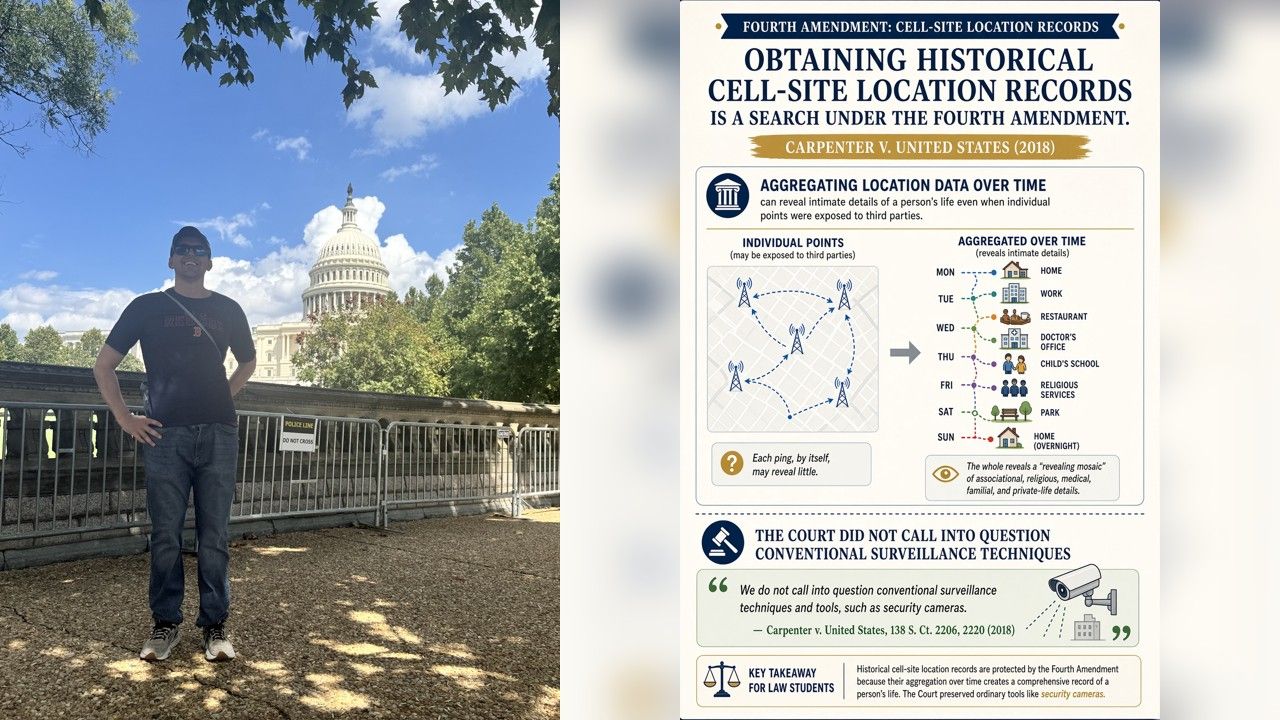
The privacy-rights side. This is hosted at privacy-rights.pages.dev for a reason. Cameras should protect your property and people, not keep watch on your neighbors. Point them at your own doors, driveway and lot, and keep footage locked down. The page also argues for closing the data broker loophole that lets citizens' data be sold without a warrant, because Fourth Amendment protections should keep up with the technology.
Security and privacy aren't opposites. Done well, a camera system gives you both.